

Audience
What a panel is, which kinds exist and how the survey basis is fixed.
A panel is the group of AI respondents that answers your questions. The app sometimes calls it Audience, for example in the message field (Audience: …), and the Dock view is called Panel. Both mean the same. You find all of your team's panels on the home page in the Panels tab.
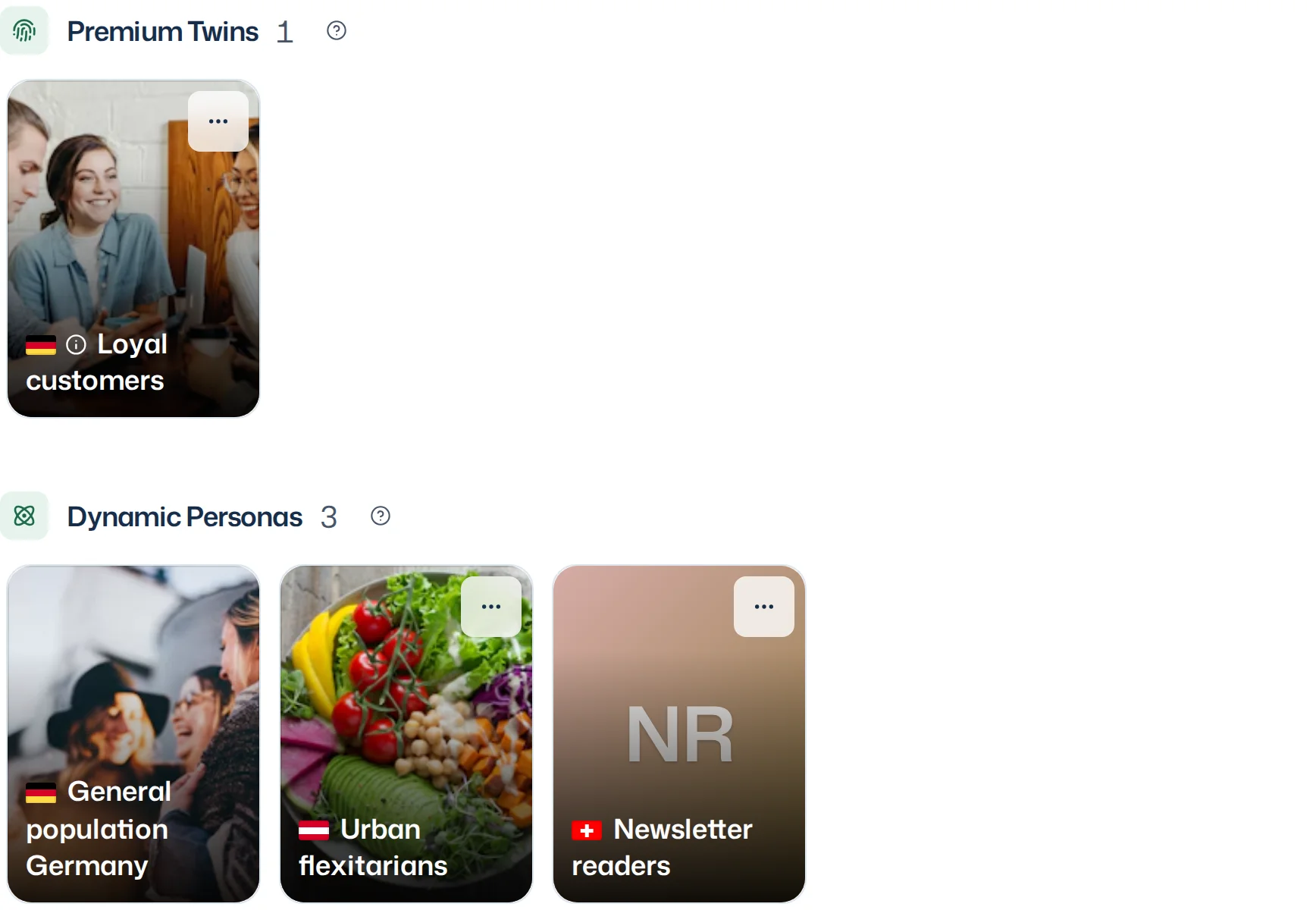
Two kinds of panel
| Dynamic Personas | Premium Twins | |
|---|---|---|
| What they are | AI respondents generated from population statistics | Representations of real people who were interviewed in depth beforehand |
| Strength | Quick to generate, good for broad questions and for comparing concepts, claims or packs | Close to the views of real people |
| Keep in mind | The answers are modelled. The results show tendencies. | A panel of Premium Twins is only as broad as the people who were interviewed. |
| Price | participants × questions ÷ 15 credits | ten times that |
| Plan | All plans | From Grow; your own panels of Premium Twins in Enterprise only |
After a move to a smaller plan, a panel of Premium Twins and its reports stay readable. A new survey run with it, a repeat included, starts again only on the right plan.
A panel is always exactly one kind, never mixed. Every panel card and every report shows the kind as a label. In the report, hovering over the Dynamic Personas label explains: "Simulated answers. The results show tendencies."
Dynamic Personas are based on population statistics for Germany, Austria, Switzerland, Spain, France and Italy. Regions are the federal states, cantons or regions of each country, income is given in euros, in Switzerland in francs, and each respondent is surveyed in their survey language (see Languages).
Standard and Team
- Standard panels are provided by theconsumer.ai. Every team can use them, but nobody can change them.
- Team panels were generated by your team. They carry the Team badge. You can rename and archive them.
A panel you generate yourself is always a panel of Dynamic Personas. It takes up a free panel slot or, once all are in use, costs credits, see Manage panels.
A fixed survey basis
When a survey starts, the members who will answer are fixed. Later changes to a panel do not change that survey or its report.
The number of participants in a survey run is the number of selected members. Together with the number of questions it sets the price, see Launch & costs.
In this section
- Choose or create a panel: use an existing panel, or describe and create a new audience with Iris.
- The panel card: what a panel card shows and how to flip it.
- Manage panels: rename and archive team panels and free up panel slots.