

Stimuli
Show images and PDFs, for all questions or for single questions.
A stimulus is an image or PDF that respondents see during the interview, for example a pack design, a concept board or an ad. Stimuli are files from projects you can see, and a design shows them to respondents. Only what respondents see is a stimulus; the picture of a file on a Deck slide is not.
For all questions or for single questions
- Stimuli for all questions sit at the very top of the design. Every question shows them, including questions you add later.
- Add stimulus for this question is in every expanded question. That stimulus appears only with this question.
Inside a question, the stimuli for all questions appear dashed with the note All questions. You can't remove them there. If an image should only appear with certain questions, add it to those questions instead of the whole design.

Add a stimulus
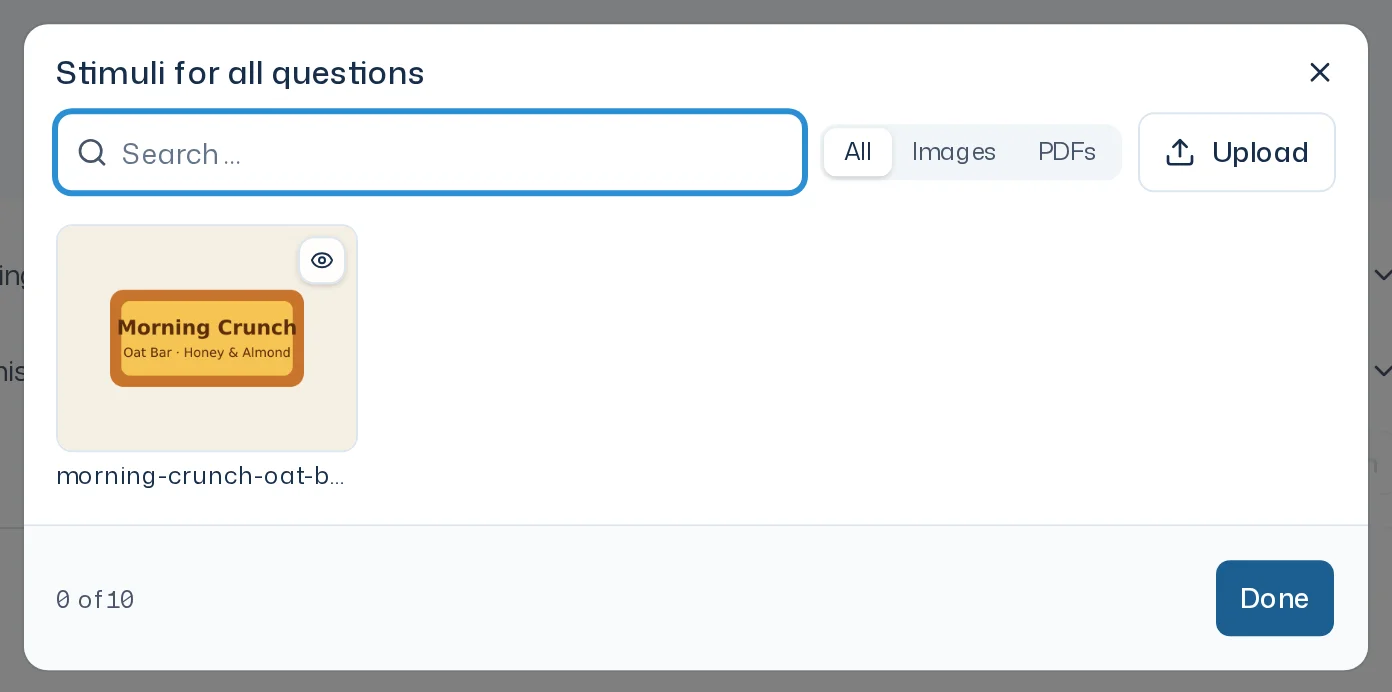
- Click Add under Stimuli for all questions, or Add stimulus for this question inside a question.
- In the dialog, search under Search files and filter with Type by All, Images or PDFs.
- Select one or more files. Upload uploads a new file. It becomes a file of the design's project and is added right away. A team template lies in no project: its dialog offers only Upload, and the file becomes only a stimulus of the template, also in copies into projects.
- Click Done.
Clicking a tile opens a preview. The × on a tile removes the stimulus again. You can also let Iris add stimuli, for example with "Show the new pack image with every question."
Limits
| Limit | |
|---|---|
| Stimuli per design | at most 20 different ones, for all questions and single questions combined |
| Images | JPG, PNG or WebP, at most 10 MB |
| PDFs | at most 12 MB and 20 pages |
| Per question | stimuli for all questions plus its own, at most 12 MB and 60 PDF pages together |
The counter, for example 2 of 20, shows how many slots are used. At the limit, the dialog says "At most 20 stimuli per design. Remove one to pick another." Files that are too large stay visible in the list but are locked with Too large.
Replace a stimulus
When the agency sends a revised draft, upload it as a new file, add it and remove the old stimulus. Started survey runs keep the stimuli they showed at their start. When you repeat a survey run, it shows the stimuli as they were back then. A stimulus belongs to its design: renaming, archiving or deleting the file keeps the stimulus's name and picture.
At the start
The Start survey? card in the chat lists in its Stimuli row which stimuli the survey run shows. If the design has no stimulus, the card says No stimulus, and so does a start from the Overview. This is only a hint; you can still start. Check that the questions make sense without an image. A running survey run takes no new stimuli.