

Templates
The seven standard templates and your own team templates.
A template is a ready-made survey design with a research question and questions. You only add what should be tested. Iris copies the template into a new design, so the template itself stays unchanged.
You find the templates on the home page in the Templates row below the message field. The i next to the heading briefly explains what templates are.
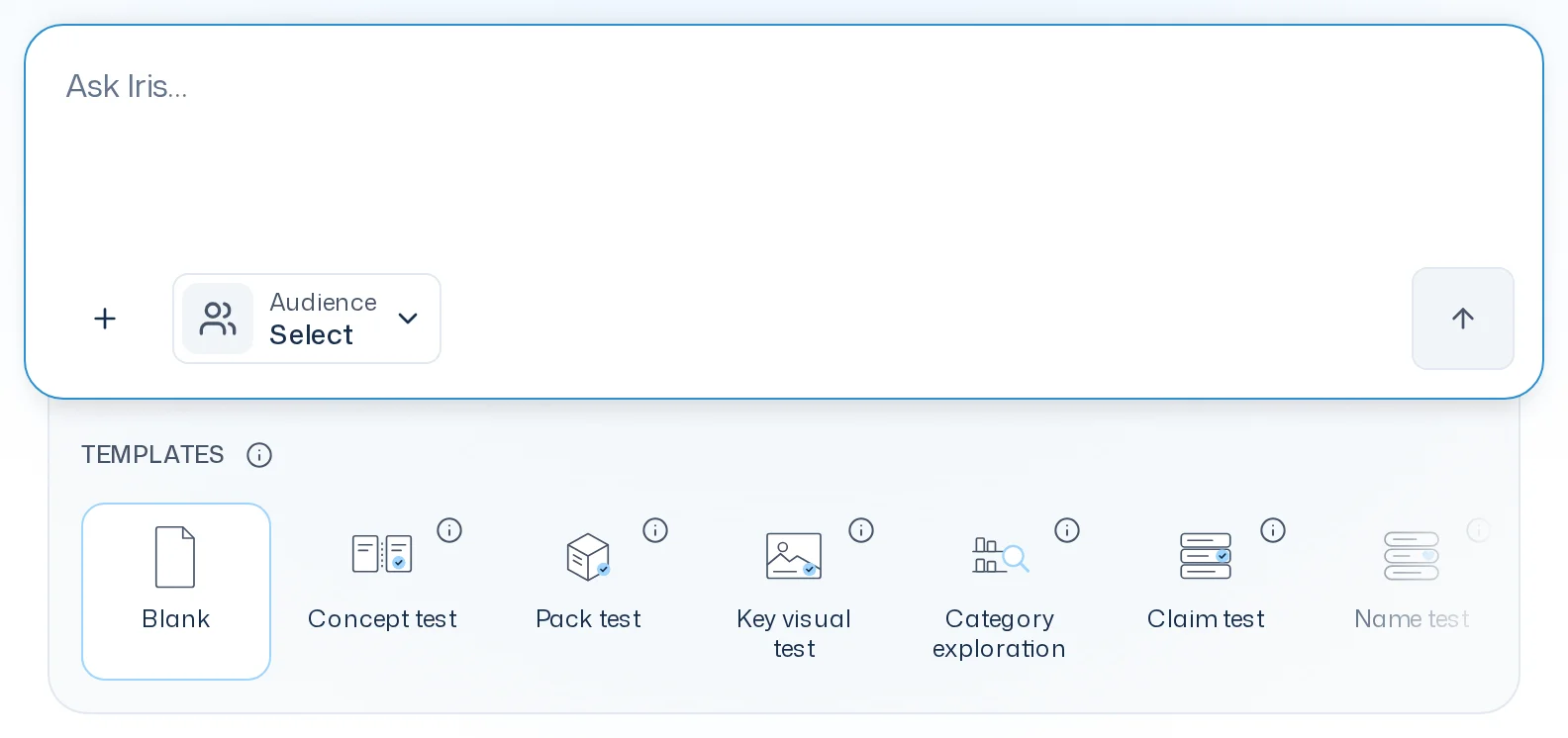
The seven standard templates
| Template | Goal | What it contains |
|---|---|---|
| Concept test | Tests how a product concept lands and what speaks for or against it. | KPIs Liking, Purchase intent, Relevance, Differentiation; two open questions |
| Pack test | Tests how a pack design comes across and what stands out about it. | KPIs Liking, Quality impression, Purchase intent, Differentiation; one open question |
| Key visual test | Tests how an ad comes across and which message sticks. | KPIs Liking, Believability, Purchase intent; one open question |
| Category exploration | Uncovers motives, barriers and wishes in a product category. | Three open questions |
| Claim test | Compares several claims and shows which one convinces most. | One choice question with the claims, one open question on why |
| Name test | Compares several product names and shows which one lands best. | One choice question with the names, one open question on why |
| Variant test | Compares several variants and shows which would be tried and bought. | Two choice questions (try, buy), one open question on why |
The app shows each template's goal too: click the i on the tile. The KPIs in the templates are standard KPI templates on a 7-point scale, see KPIs. No template contains stimuli; you add those yourself.
Use a template
- Click a tile, for example Pack test. The message field now reads "I want to set up a pack test for [packaging]." The placeholder in square brackets is already selected.
- Type what should be tested. Your text replaces the placeholder, for example "… for the new pack of our peanut caramel bar."
- Add any other wishes and send the message.
- Iris creates the design from the template and fills the gaps with your details, such as the claims or the variants. Iris also adjusts the number of options.
Blank clears the suggestion so you can describe freely what you want to learn.
Placeholders block the start
Some templates contain placeholders like [category], [Claim 1] or [Variant 2]. As long as one of them is still in the research question, a question text, an option or a scale label, the survey run won't start. You get a message such as "Question 1 still contains the placeholder [Claim 1]. Replace it and start again." Replace the placeholder in the design, or ask Iris to, and start again. The same applies to a single question to an audience.
Square brackets that don't come from a template, such as "[sic]", are fine.
Team templates
Team templates belong to the whole team and lie in no project. Whoever may change settings manages them under Settings > Team templates:
- New team template asks for a name, creates an empty template and opens it in the editor.
- Copy from project picks a design from one of your projects and creates a copy as a team template. The design in the project stays as it is.
- Clicking a team template opens it in the editor; a row's menu deletes it. Copies in projects stay.
If the source changes after you accept its preview, no copy is created. The preview refreshes so you can review and accept the new version.
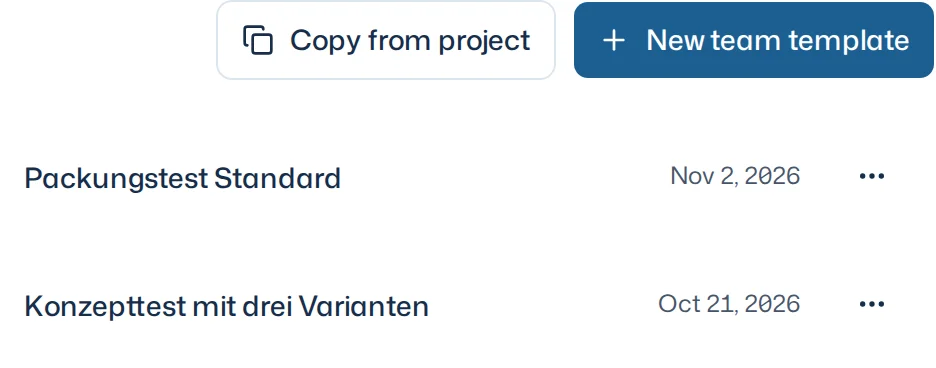
Team templates appear in the Templates row to the right of the standard templates, most recently changed first. If your team has more than three, the More tile opens a search (Search team templates).
When you pick a team template, it sits in the message field as a design and the field reads "I want to test [concept] with this template." Replace the placeholder and send the message. Iris creates a copy in the chat's project; the team template itself stays unchanged.
Good to know
- A template is a starting point. You can change everything in the new design, see Survey design.
- For a survey run in the Dock you can also pick a standard or team template via Design > Switch design, see Load an existing design.
- The questions of a standard template are created in your app language.
- Everyone on the team sees and uses team templates. Only those who may change settings change them.