
Languages
App language, survey language and translated quotes.
Three languages matter in theconsumer.ai: the language of the app, the language respondents are surveyed in, and the language of the report. They don't have to be the same.
| Language | What it controls | Where you set it |
|---|---|---|
| App language | Menus, buttons, hints. Also the language new designs are created in. | Language in your profile |
| Survey language | The language respondents read the questions in and answer in | Currently always German |
| Report language | Summary, recommendations and themes in the report | Follows the design's language |
App language
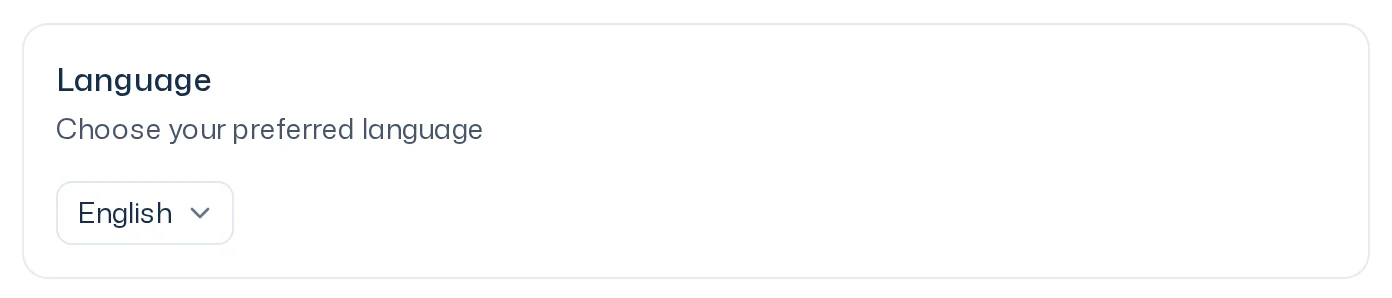
The app is available in German and English. You choose it in your profile under Language ("Choose your preferred language"). How to open your profile is covered in Profile. The setting applies only to you; your colleagues keep their own.
Survey language: always German
Respondents are currently always surveyed in German. Dynamic Personas are based on population statistics for Germany, see Audience.
You can still write a design in English, for example when your app is set to English. At the start, theconsumer.ai automatically translates every question into German: question text, probing instructions, scale labels and options. Respondents only see the German version. Your original text stays in the design.
So choose wording that translates well. If a claim or a name must appear exactly as you phrased it, write it in German in the design.
Report language
A design remembers the language it was created in: the app language of the person who created it. The analysis writes the summary, recommendations and themes in that language. If you later switch your app language, the text of a finished report doesn't change. Labels such as headings and buttons always follow your current app language.
Quotes and translations
Quotes in the report reproduce respondents verbatim, so they are in German. This holds even when the rest of the report is in English.
If a quote has a translation into your language, the report shows the translation with the note Machine translated. Show original shows the German wording, Show translation switches back. For exact wording, for example in a presentation, always check the original. More in Assess reliability.
Good to know
- The standard templates exist in German and English. Iris creates them in your app language.
- When people with different app languages work on the same design, the design keeps its original language.