

Documentation
Tutorials and guide to get started with the platform
Getting started
What theconsumer.ai does and where to begin.
Working with Iris
How you talk to Iris, what Iris does for you and where you step in.
Plan a study
From a study's goal to a survey design that is ready to run.
Audience
What a panel is, which kinds exist and how the survey basis is fixed.
Run a study
Work on a study in the Dock: choose a survey run, read its result, prepare its setup, plus the study page.
Results
Where reports and presentations appear and how you read, check and share them.
Manage your team
How your team is set up and where you configure it.
My account
Your personal account: profile, sign-in and notifications.
Reference
Frequently asked questions, glossary and error messages.
What's new
All updates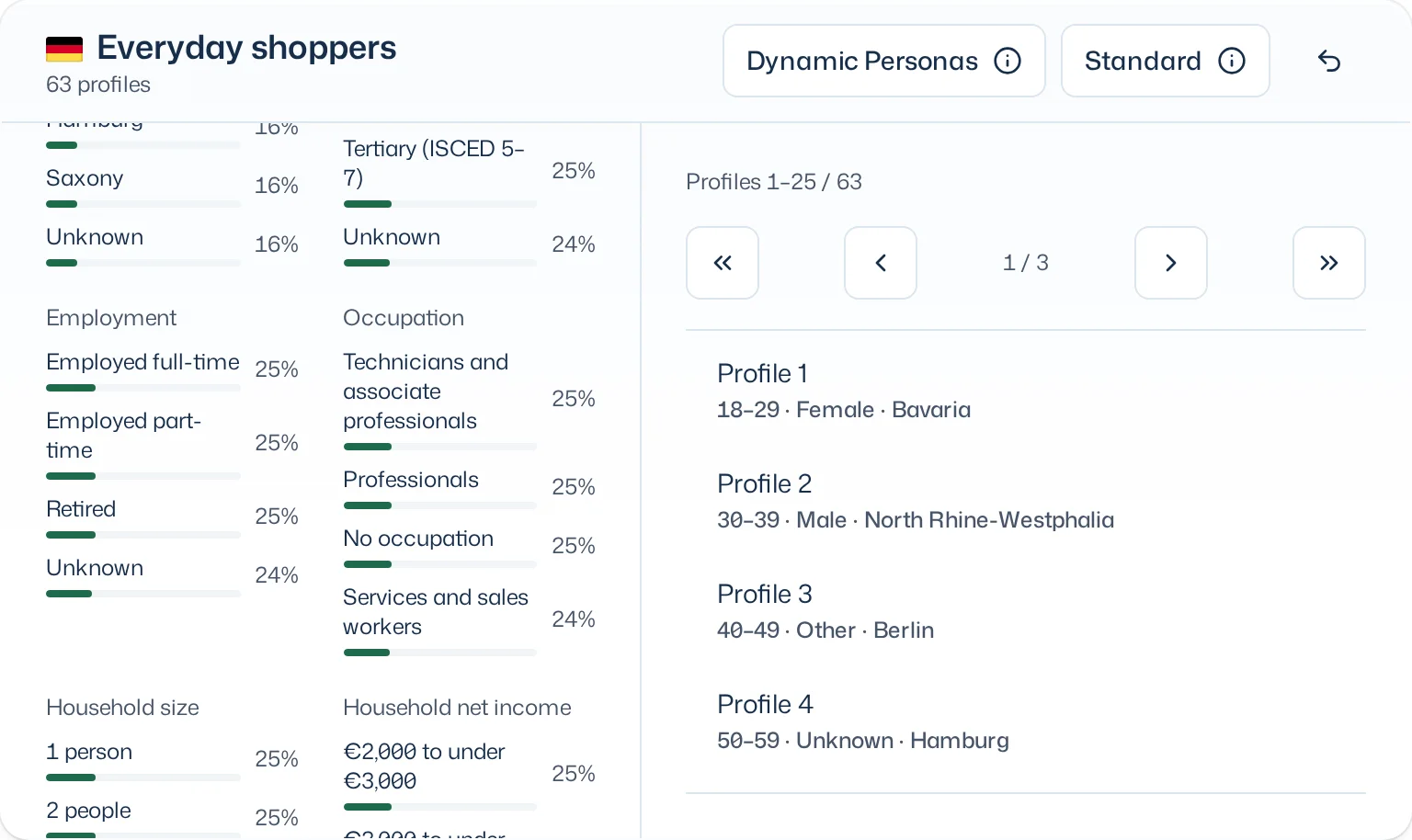
Occupation as a demographic attribute
Occupation is now a demographic attribute like age or education, no longer only a narrative trait in a person’s description. The panel card shows the distribution of occupation major groups, each profile its occupation group. A panel’s draw criteria can name the occupation group too. Older panels and panels of Premium Twins show no occupation.
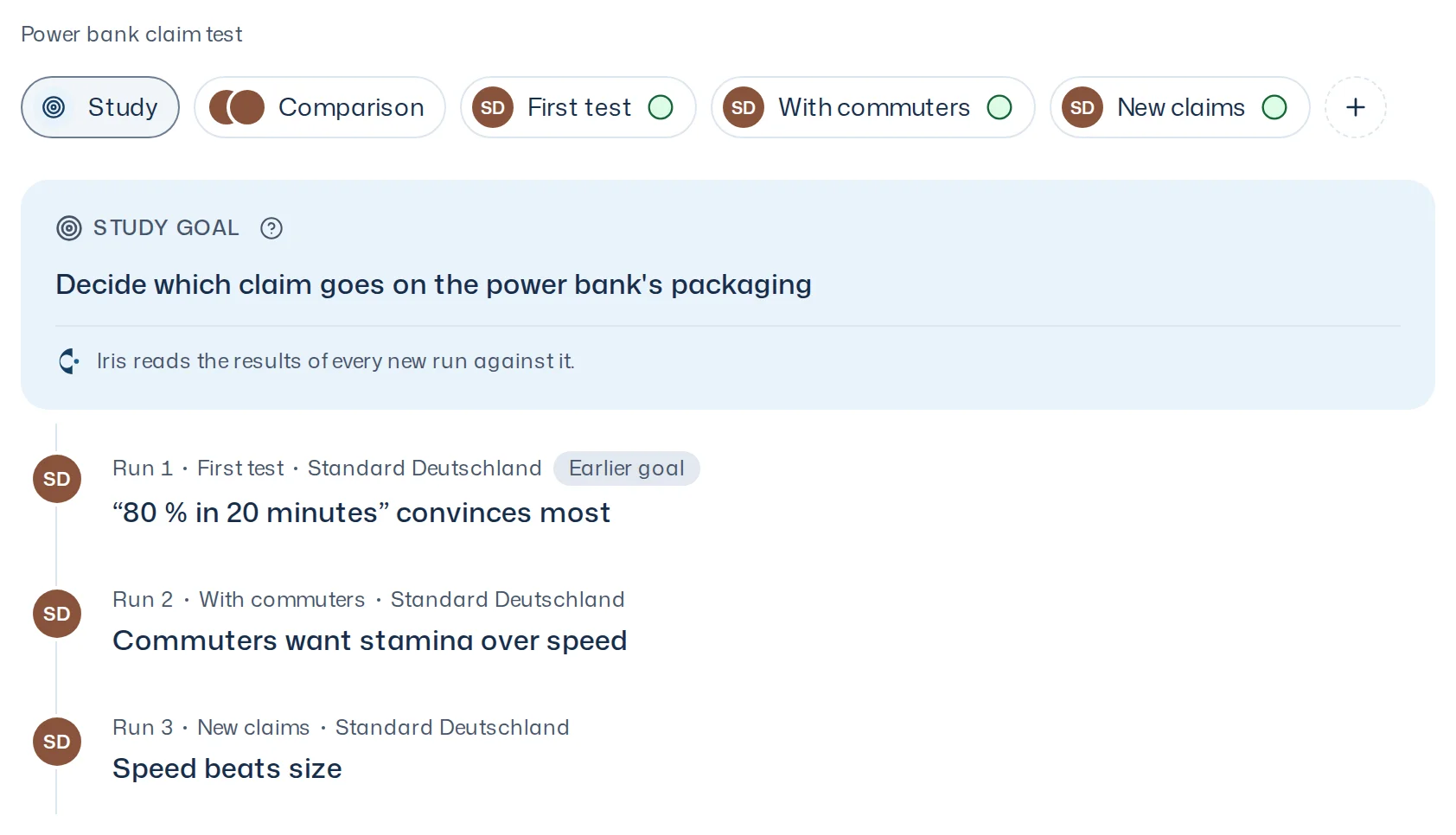
The study at a glance
A new chip, “Study”, comes before the survey runs: the goal on top, below it every survey run with its key statement. Clicking a survey run opens its result. A survey run that ran with another goal than the current one shows “Earlier goal”.